Knowing your kernver
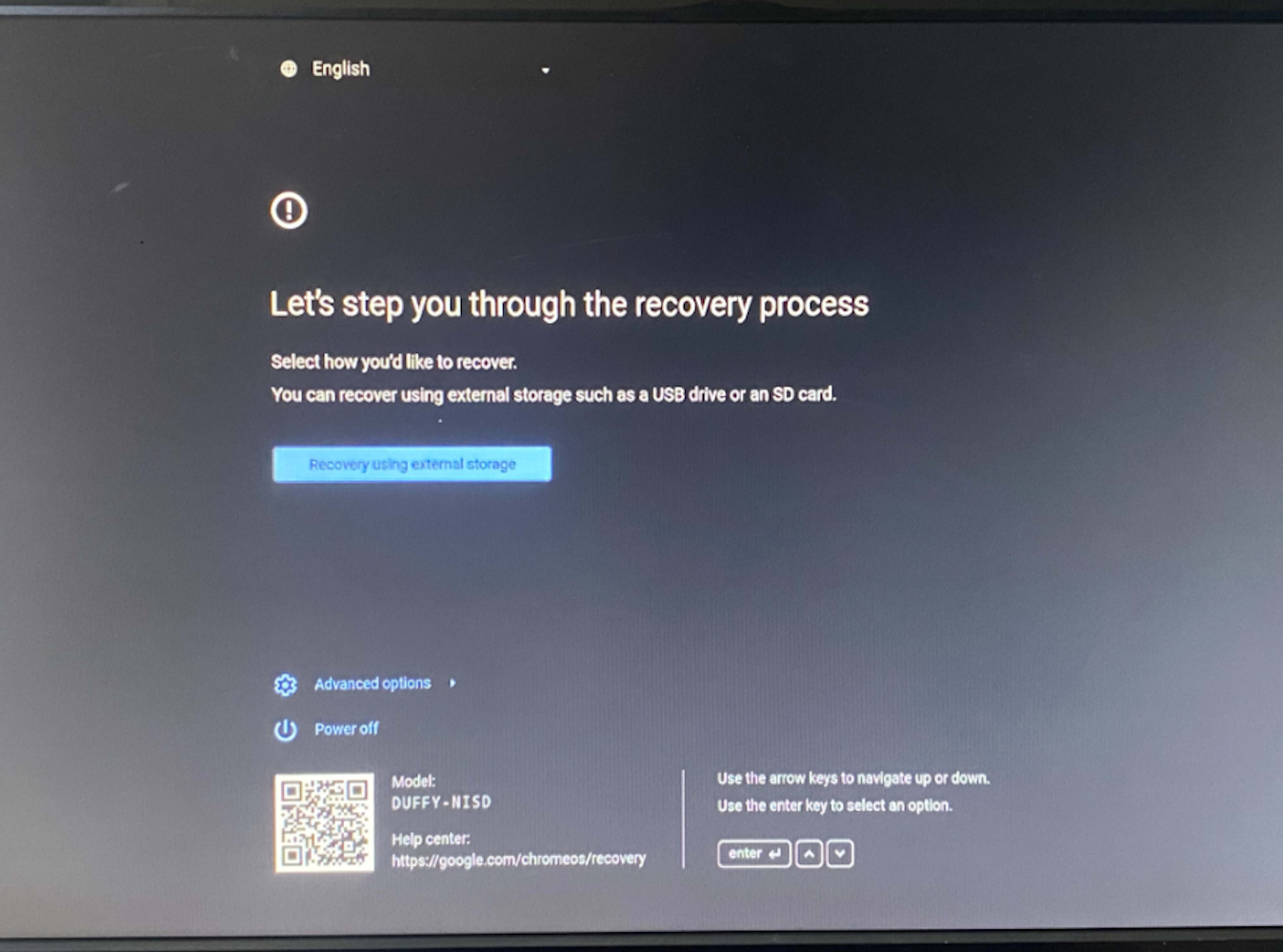
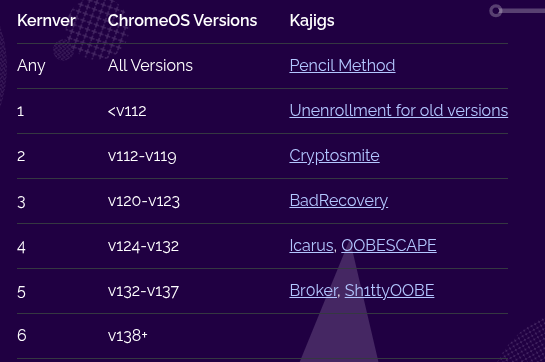
To find your kernver, press escape + refresh + power on your chromebook, then press tab. Look for kernver = 0x000000"randomnumber", the "random number" is your kernver. On the image on the right, you can press tab to and look in "kernver" at the last number to find your kernver -->>
- On kv6 you're basically screwed until unenrollment for kv6 comes out - To exit from this stupid-bios-looking screen, simply use the arrow keys to navigate to power off, then turn the chromebook pack on with the power button, wherever it is.